
Most people assume that the real risk of an app lies in what it does after installation.
In reality, the bigger risk often lies in what you unknowingly agree to before you even open it.
The terms and conditions are not just legal filler. They are a blueprint of how the app behaves when no one is watching—how it treats your data, how it earns money from you, and how easily it can change the rules later.
You do not need to read everything.
But you do need to know where the quiet traps are hidden.
Start With the App Store Listing
Before diving into legal text, examine the app’s public face carefully.
Look at the developer name—but go one step further. Tap it. See what other apps they have published. If all their apps look nearly identical or were released within a short time frame, it may indicate a template-based operation rather than a carefully maintained product.
Check the update history. Not just the date, but the pattern. Apps that update frequently with vague notes like “bug fixes and improvements” without specifics may be adjusting behavior without clearly communicating it.
Also, pay attention to the permissions preview shown in the store. Sometimes this reveals more than the terms themselves, especially when permissions seem unrelated to the app’s purpose.
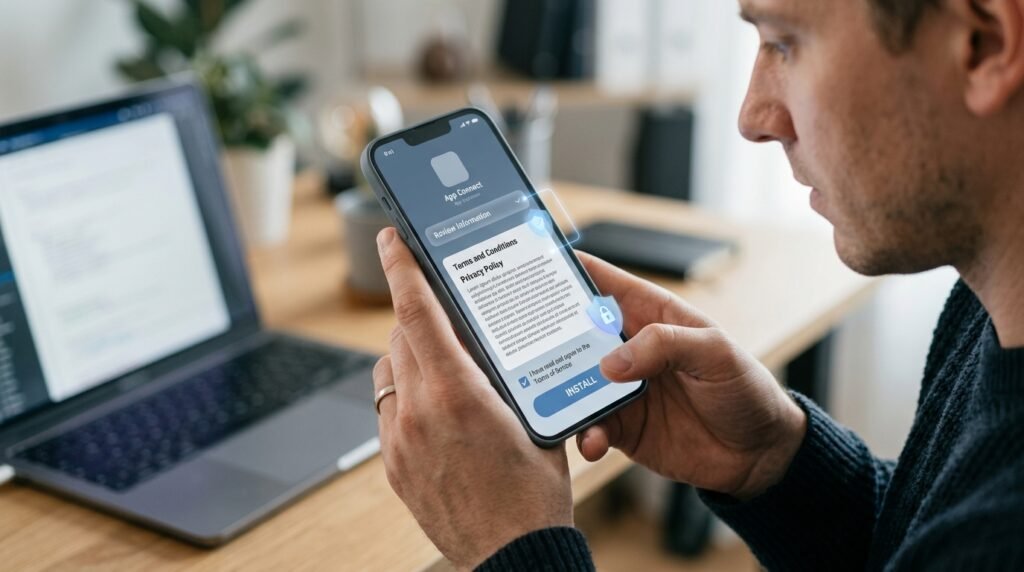
Find the Terms and Conditions
Locating the terms is not just a formality—it is a test.
If you have to dig through multiple pages, scroll endlessly, or encounter broken links, that friction is not accidental. Some developers rely on inconvenience to discourage scrutiny.
Also, check if the terms are versioned or dated. If there is no visible update history, you have no way of knowing when the rules last changed—or how often they might change without notice.
Look for Subscription Information First
Instead of reading from the top, jump directly to the financial mechanics.
Search for phrases like:
- “Auto-renew”
- “Recurring billing”
- “Introductory offer”
- “Price subject to change”
But here is something most people overlook: check whether the app reserves the right to change pricing without explicit user confirmation. Some terms allow price adjustments that take effect unless you cancel in time.
Also, look for how cancellation is defined. In some cases, “cancellation” only stops future billing cycles but does not refund the current one—even if you cancel immediately after being charged.
Check What Data the App Collects
Beyond the obvious categories like location or contacts, look for less noticeable forms of data collection.
Some apps collect:
- Sensor data (like motion or orientation)
- Battery usage patterns
- Network behavior
- Interaction timing (how long you pause before tapping)
These details may seem harmless individually, but combined, they can create highly detailed behavioral profiles.
Also, check whether data is collected only when the app is in use—or also when it runs in the background. This distinction is often buried in a single sentence.
Understand How Your Information Is Shared
Most users expect data sharing with advertisers. What they often miss is indirect sharing.
Look for phrases like:
- “Aggregated data”
- “De-identified information”
- “Business transfers”
“De-identified” does not always mean anonymous. In some cases, data can be re-linked when combined with other datasets.
Also, check whether your data can be transferred if the company is acquired. This means your information could end up under entirely different ownership without your direct consent.
Review Account and User Responsibilities
This section is not just about rules—it is about control.
Some apps include clauses that allow them to suspend or terminate accounts “at their sole discretion.” This means they do not need to provide a clear reason.
Also, check whether you are responsible for activity that occurs on your account—even if it results from unauthorized access. Some terms shift that burden entirely onto the user.
Pay Attention to Content Ownership
Most people look for whether they “own” their content.
A more important question is: what rights do you give away?
Some apps include clauses that allow them to:
- Use your content for training algorithms
- Modify or adapt your content
- Use your content in promotional materials without compensation
Even if ownership technically remains with you, the practical control over how your content is used may be much broader than expected.
Search for the Word “Delete”
Searching for “delete” is useful—but do not stop there.
Also search for:
- “Retain”
- “Archive”
- “Backup”
Some apps delete visible data but keep backups for extended periods. Others retain certain information indefinitely for “legal” or “operational” reasons.
Another overlooked detail: some services require additional steps outside the app (such as contacting support) to fully delete data. Simply uninstalling the app does nothing.
Watch for Red Flags
Beyond obvious warning signs, look for subtle inconsistencies.
For example:
- Terms that contradict the privacy policy
- Sections that reference features the app does not visibly have
- Legal language copied from unrelated industries
These inconsistencies can indicate that the terms were copied and not carefully tailored—raising questions about how seriously the developer treats user agreements.
Use Common Sense Alongside the Terms
Legal documents can say one thing while the app behaves differently.
Cross-check what you read with real-world signals:
- Does the app request permissions earlier than expected?
- Does it push you toward enabling notifications or tracking immediately?
- Does it create urgency around trials or upgrades?
Behavior inside the app often reveals priorities more clearly than written policies.
Final Thoughts
Checking terms and conditions is not about reading everything—it is about spotting patterns that reveal intent.
Look for how the app makes money, how it handles your data when you are not paying attention, and how easily it can change the rules after you agree.
The most important insight is this: the risk is rarely in what is clearly stated.
It is in what is technically allowed but quietly buried.
Taking a few extra minutes to identify those hidden permissions can save you from long-term consequences that are much harder to undo than tapping “install.”
Keep Exploring
Discover more reviews, guides, and comparisons to help you choose the right Android apps.
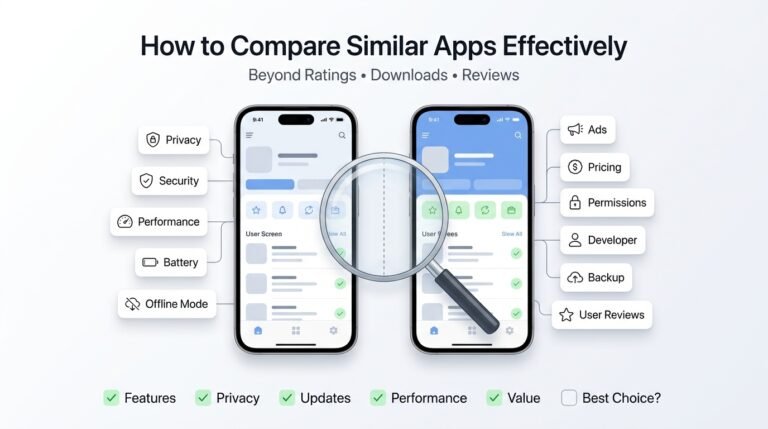 How to Compare Similar Apps Like an Expert (27 Checks)
Published: 27 Jul 2026 • 01:23 PM Updated: 27 Jul 2026 • 01:23 PM Reading: 7 min read...
How to Compare Similar Apps Like an Expert (27 Checks)
Published: 27 Jul 2026 • 01:23 PM Updated: 27 Jul 2026 • 01:23 PM Reading: 7 min read...
 How to Choose the Right Android App Before Downloading: A Practical Decision Guide (2026)
Published: 25 Jul 2026 • 04:45 PM Updated: 25 Jul 2026 • 04:45 PM Reading: 7 min read...
How to Choose the Right Android App Before Downloading: A Practical Decision Guide (2026)
Published: 25 Jul 2026 • 04:45 PM Updated: 25 Jul 2026 • 04:45 PM Reading: 7 min read...
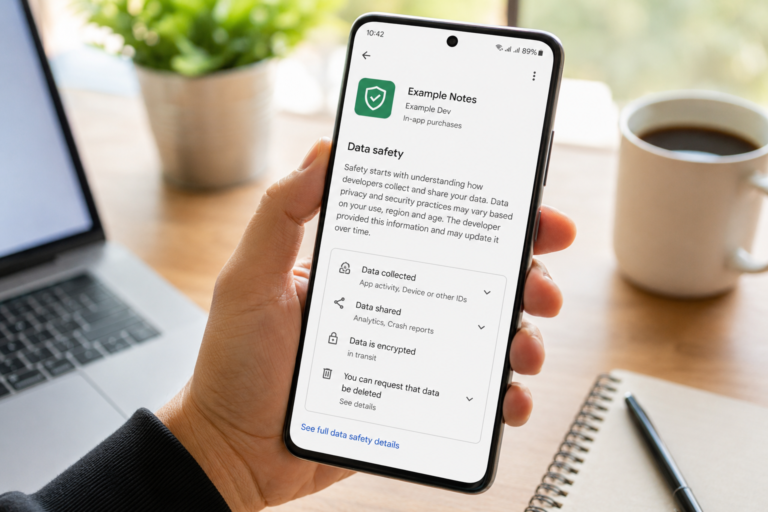 How to Check If an App Shares Data With Third Parties
Published: 21 Jul 2026 • 11:30 PM Updated: 21 Jul 2026 • 11:34 PM Reading: 19 min read...
How to Check If an App Shares Data With Third Parties
Published: 21 Jul 2026 • 11:30 PM Updated: 21 Jul 2026 • 11:34 PM Reading: 19 min read...
 What Happens When You Delete an App? The Complete Android Guide
Published: 17 Jul 2026 • 12:09 AM Updated: 17 Jul 2026 • 12:09 AM Reading: 47 min read...
What Happens When You Delete an App? The Complete Android Guide
Published: 17 Jul 2026 • 12:09 AM Updated: 17 Jul 2026 • 12:09 AM Reading: 47 min read...