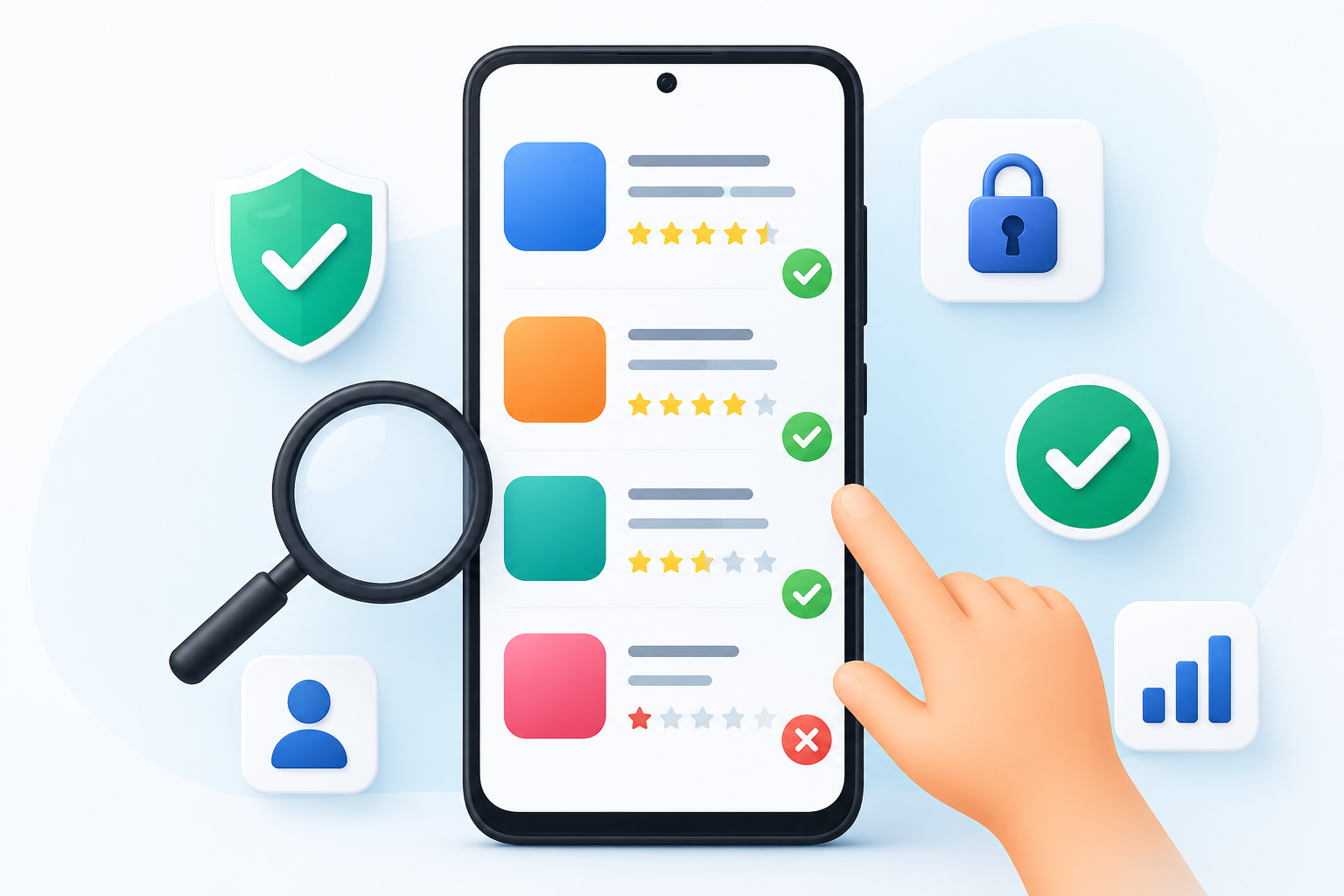
Quick Answer
The best app is not always the one with the most downloads or the highest rating. A good app is one that solves your specific problem without asking for unnecessary permissions, overwhelming you with ads, or collecting more personal data than needed. Before installing any app, spend a few minutes evaluating how well it fits your actual needs rather than relying only on popularity.
Table of Contents
Why Most People Download the Wrong App
One of the biggest mistakes users make is searching for an app, installing the first result they see, and assuming it must be the best because thousands or millions of other people downloaded it.
In reality, download numbers often reflect marketing success, device pre-installation, or years of accumulated installs—not whether the app is currently the best choice.
A better question is:
“Will this app still be useful to me after a week?”
Many apps create a great first impression but become frustrating over time due to intrusive ads, unnecessary subscriptions, confusing interfaces, or declining support.
Thinking about long-term usefulness rather than first impressions can help you make better decisions.
Start With Your Problem, Not the App
This is one of the most overlooked steps.
Instead of asking:
“Which note-taking app should I install?”
Ask:
“What problem am I trying to solve?”
For example:
- Need quick grocery lists?
- Need handwritten notes?
- Need team collaboration?
- Need offline access?
- Need PDF annotation?
These are very different needs, and no single app excels at all of them.
Choosing based on your workflow rather than popularity often leads to a better experience.
Ratings Can Be Misleading
A 4.8-star rating does not automatically mean an app is excellent.
Consider:
- How many people rated it?
- Are recent reviews positive?
- Did ratings drop after a recent update?
- Are users complaining about ads or subscriptions?
Many users rate an app immediately after installation, before using it extensively. Recent reviews often provide more meaningful insights because they reflect the current version rather than an older experience.
Screenshots Tell You More Than Marketing Text
Many people skip screenshots.
That is a mistake.
Screenshots reveal things that descriptions rarely mention:
- How many ads appear on each screen
- Whether the interface looks cluttered
- If navigation seems intuitive
- Whether important features are hidden behind premium options
- If text is readable on smaller screens
Spending a minute reviewing screenshots can help you avoid downloading an app that feels frustrating to use.
Ask Yourself: Will I Still Use This Next Month?
Some apps solve a one-time problem.
Others become part of your daily routine.
Before installing, think about:
- Will I use this every day?
- Is it replacing something I already use?
- Will I remember why I installed it?
If the answer is “probably not,” consider using the web version or a built-in Android feature instead of adding another app to your device.
This simple habit can reduce digital clutter.
The Hidden Cost of “Free”
Free apps are rarely free to maintain.
Developers often generate revenue through:
- Advertisements
- Subscriptions
- One-time purchases
- Optional premium upgrades
None of these models are inherently bad, but it’s worth understanding how an app is funded before installing it.
If a free app relies heavily on ads, it may interrupt your workflow more often than expected.
Permissions Should Match the Purpose
Rather than focusing on the number of permissions, consider whether each permission makes sense for what the app is designed to do.
Examples:
A navigation app requesting location access is expected.
A QR scanner requesting contact access deserves closer attention.
Context matters more than counting permissions.
Android also allows users to review or revoke permissions later if they no longer feel comfortable granting access.
Storage Isn’t Just About File Size
Many users compare apps only by download size.
A 20 MB download does not necessarily stay 20 MB.
Apps often accumulate:
- Cached images
- Temporary files
- Offline content
- User data
Over time, some apps may occupy significantly more storage than their initial download size suggests.
If you have limited storage, this is worth considering before installing.
Updates Tell a Story
An app’s update history can reveal how actively it is maintained.
Instead of asking, “Was it updated recently?”
Ask:
- Are updates fixing bugs?
- Are users reporting improvements?
- Is the developer responding to feedback?
Frequent updates are valuable only when they improve the user experience rather than introducing new problems.
Who This Guide Is Best For
This guide is especially useful for:
- New Android users
- Parents helping children choose apps
- People with limited phone storage
- Users concerned about privacy
- Anyone who installs apps regularly
Who Can Skip Most of These Steps?
If you’re installing a well-known app from a developer you already trust and you’re familiar with its purpose, you may not need to evaluate every point in this guide.
However, it’s still worth reviewing permissions and checking recent user feedback after major updates.
Common Frustrations People Don’t Notice Until Later
Many problems only become apparent after several days of use.
Examples include:
- Excessive notifications
- Mandatory account creation
- Features locked behind subscriptions
- Battery drain
- Frequent advertisements
- Slow startup
- Poor tablet optimization
- Limited offline functionality
Looking for these issues in user reviews can save time later.
When an Alternative May Be Better
Instead of asking:
“Which app is the best?”
Ask:
“Which app best matches how I work?”
For example:
- A lightweight app may suit older phones better.
- An offline-first app is ideal for unreliable internet connections.
- An open-source option may appeal to privacy-conscious users.
- A paid app may offer a cleaner experience than a free ad-supported alternative.
The best choice depends on your priorities rather than a universal ranking.
A 60-Second Decision Checklist
Before tapping Install, ask yourself:
- Does this app solve a real problem for me?
- Do the requested permissions make sense?
- Are recent reviews mostly positive?
- Does the interface look easy to use?
- Am I comfortable with its pricing model?
- Will I still use it after a month?
- Is there already a built-in Android feature that does the same job?
If you answer “yes” to most of these questions, the app is more likely to be a worthwhile addition to your device.
Final Recommendation
Choosing the right Android app isn’t about finding the highest-rated option or the one with the most downloads. It’s about selecting software that fits your needs, respects your time, and provides lasting value.
A few extra minutes of evaluation before installing can help you avoid unnecessary downloads, reduce digital clutter, and build a more useful collection of apps over time.
Frequently Asked Questions
1. Are more downloads always a sign of a better app?
Not necessarily. High download numbers often reflect popularity or longevity, but they don’t guarantee the app is the best fit for your needs today.
2. Should I avoid apps with ads?
Not always. Many free apps rely on advertising to support development. The key question is whether the ads interfere with the app’s primary purpose.
3. Is it safe to install every app from Google Play?
Google Play includes security checks, but users should still review permissions, developer information, and recent feedback before installing any app.
4. How often should I remove unused apps?
Reviewing installed apps every few months can help free storage, reduce unnecessary notifications, and improve device organization.
5. Can built-in Android features replace some apps?
Yes. Many Android devices already include tools for scanning QR codes, recording audio, managing files, taking notes, and editing photos, making additional apps unnecessary for some users.
6. What matters more: ratings or reviews?
Recent written reviews often provide better context than star ratings alone because they explain real user experiences with the latest version.
Editorial Disclosure
TNAPK independently publishes Android app reviews, tutorials, comparisons, and educational guides. This article is based on publicly available information, practical evaluation, and user-focused analysis. App features, pricing, availability, and privacy practices may change over time. Readers should verify important details through official developer sources before making installation or purchase decisions.
Keep Exploring
Discover more reviews, guides, and comparisons to help you choose the right Android apps.
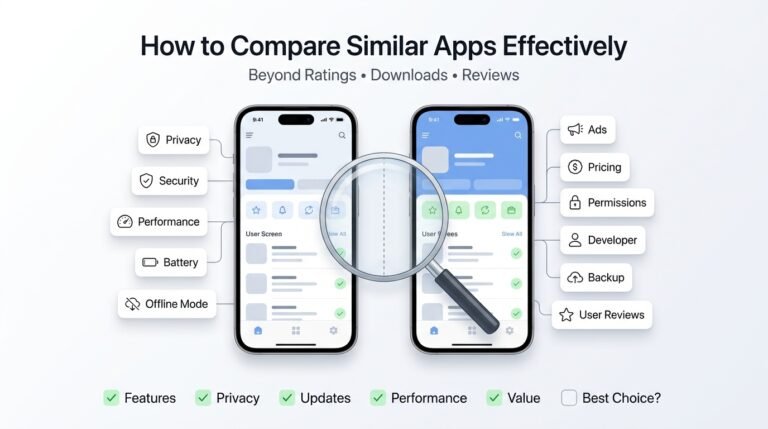 How to Compare Similar Apps Like an Expert (27 Checks)
Published: 27 Jul 2026 • 01:23 PM Updated: 27 Jul 2026 • 01:23 PM Reading: 7 min read...
How to Compare Similar Apps Like an Expert (27 Checks)
Published: 27 Jul 2026 • 01:23 PM Updated: 27 Jul 2026 • 01:23 PM Reading: 7 min read...
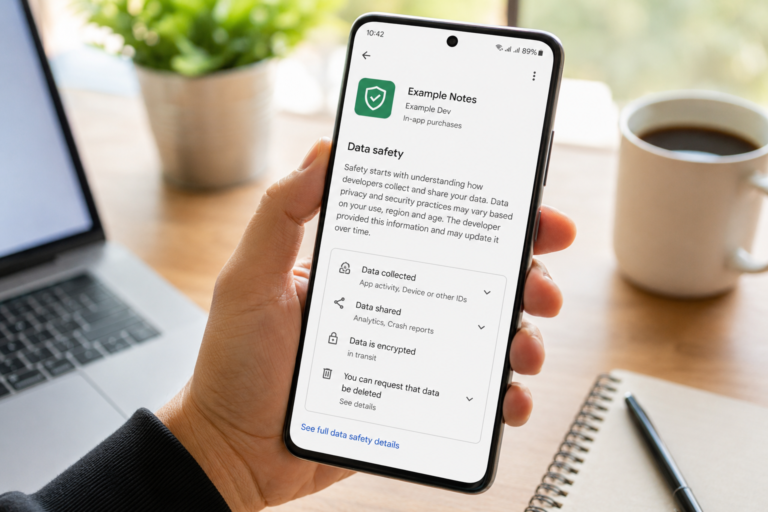 How to Check If an App Shares Data With Third Parties
Published: 21 Jul 2026 • 11:30 PM Updated: 21 Jul 2026 • 11:34 PM Reading: 19 min read...
How to Check If an App Shares Data With Third Parties
Published: 21 Jul 2026 • 11:30 PM Updated: 21 Jul 2026 • 11:34 PM Reading: 19 min read...
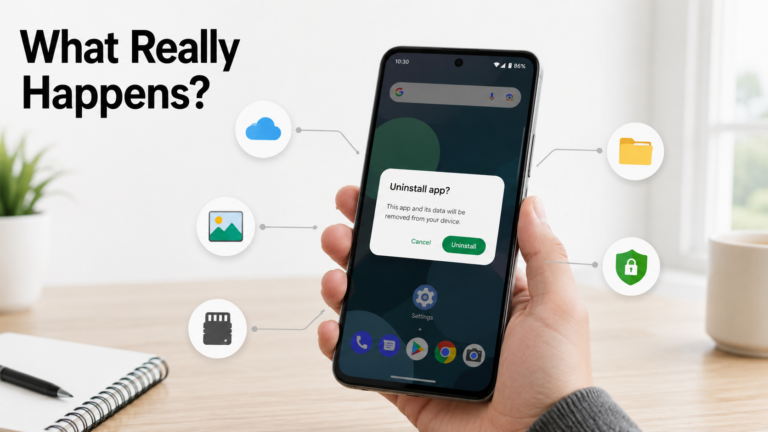 What Happens When You Delete an App? The Complete Android Guide
Published: 17 Jul 2026 • 12:09 AM Updated: 17 Jul 2026 • 12:09 AM Reading: 47 min read...
What Happens When You Delete an App? The Complete Android Guide
Published: 17 Jul 2026 • 12:09 AM Updated: 17 Jul 2026 • 12:09 AM Reading: 47 min read...
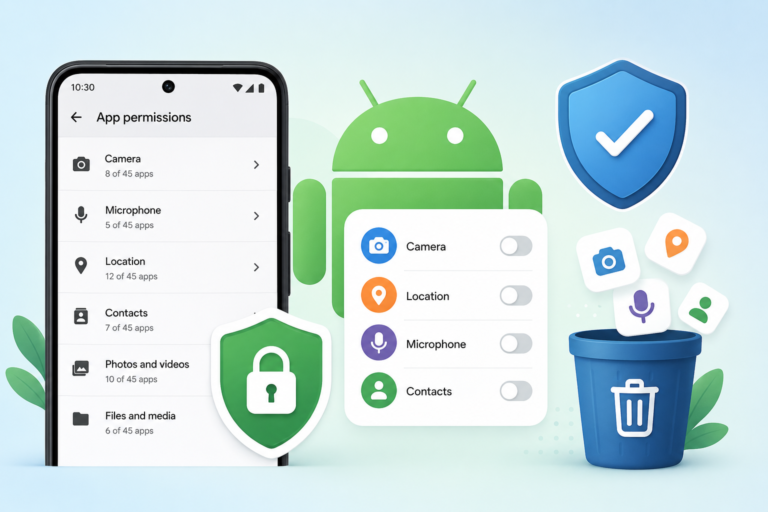 Remove Unused App Permissions on Android for Better Privacy
Published: 15 Jul 2026 • 06:31 PM Updated: 15 Jul 2026 • 06:32 PM Reading: 24 min read...
Remove Unused App Permissions on Android for Better Privacy
Published: 15 Jul 2026 • 06:31 PM Updated: 15 Jul 2026 • 06:32 PM Reading: 24 min read...

1 thought on “How to Choose the Right Android App Before Downloading: A Practical Decision Guide (2026)”