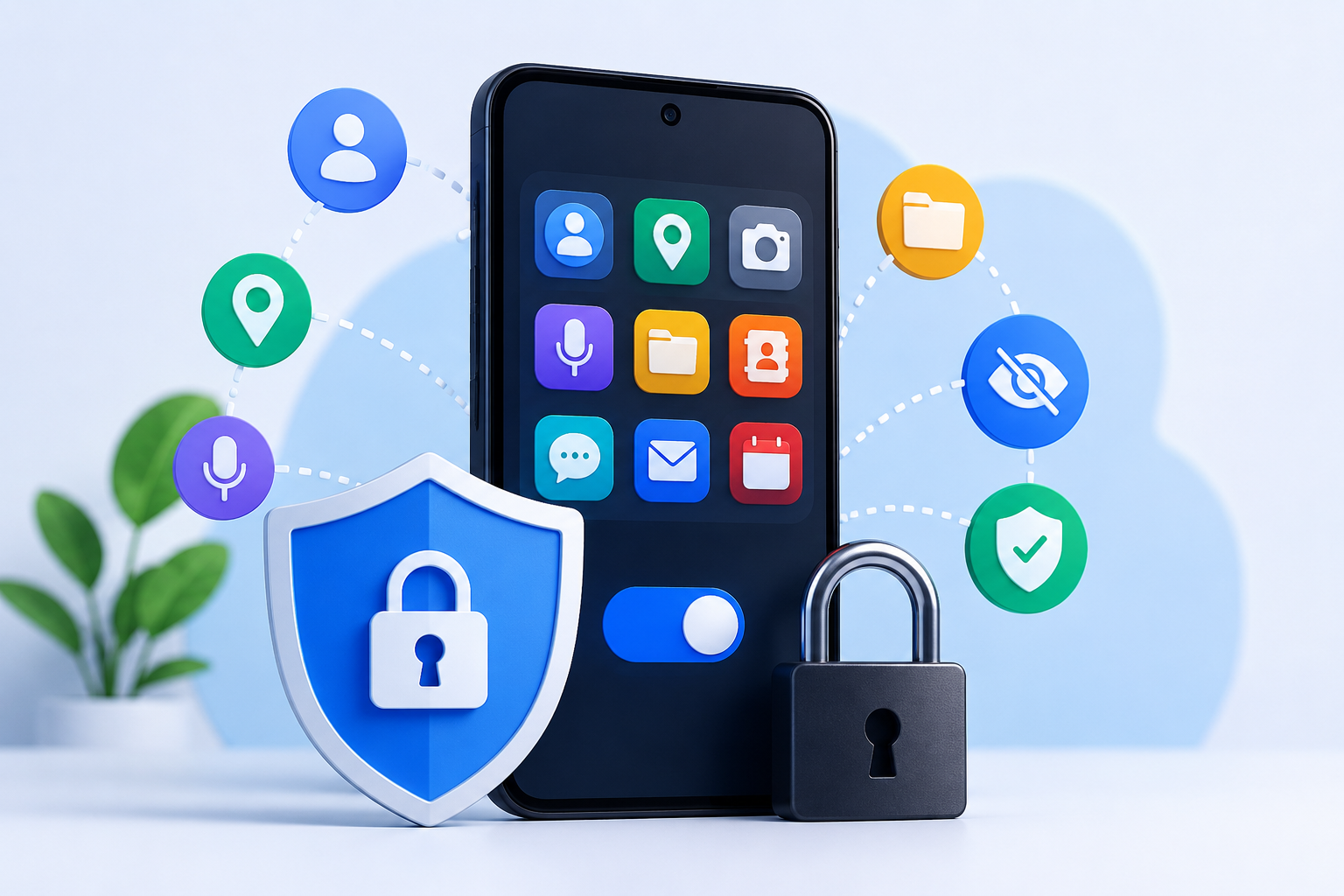
⚡ 30-Second Quick Answer
Want to stop Android apps from collecting more data than necessary? Follow these five simple steps:
✅ Install only apps you genuinely need. Fewer apps mean fewer companies handling your information.
✅ Allow only the permissions required for the features you use. For example, a navigation app needs location, but a calculator usually doesn’t.
✅ Review permissions after major app updates. New features may introduce new data access requests.
✅ Check the app’s own Privacy or Data settings. Many apps let you turn off analytics, personalized recommendations, or activity history.
✅ Remove apps and accounts you no longer use. Uninstalling unused apps and deleting old accounts can reduce the amount of personal information stored over time.
Bottom line: You don’t need to block every permission or stop using useful apps. The smartest approach is to share only the information that’s necessary for the features you actually use and review your privacy settings regularly.
Table of Contents
When people think about app privacy, they usually focus on one thing: permissions.
If an app cannot access your location, contacts, or camera, it feels like your privacy is protected.
That is only part of the picture.
Modern apps collect information in many different ways. Some data is essential for the app to function. Some helps developers fix bugs. Some improves recommendations. Some supports advertising or analytics. None of these automatically make an app unsafe, but they do affect how much information you share over time.
The good news is that protecting your privacy does not require avoiding every app or becoming a cybersecurity expert. Instead, it starts with understanding why an app asks for information, what it actually needs, and which settings you can control.
This guide goes beyond the usual “turn off permissions” advice. You’ll learn how to recognize unnecessary data collection, review apps more effectively, and build habits that help you keep more control over your personal information without making your phone less useful.
Why Apps Collect Data in the First Place
Before trying to reduce data collection, it helps to understand that not every piece of information an app collects is unnecessary.
For example:
| App Type | Data That May Be Reasonably Needed |
|---|---|
| Navigation | Approximate or precise location |
| Food Delivery | Address and contact number |
| Banking | Device verification and security information |
| Messaging | Contacts (optional for finding people you know) |
| Camera | Camera and storage access |
| Weather | Approximate location |
Problems usually begin when the amount of information requested feels unrelated to the app’s main purpose.
For instance, if a simple flashlight app asks for access to your contacts or phone call information, it’s worth asking why that access is necessary. Sometimes there may be a legitimate explanation tied to optional features, but if the feature isn’t relevant to what you need, you can often decline the permission or look for a different app.
Instead of assuming every permission request is harmful—or harmless—it’s better to evaluate whether it makes sense for the app’s core function.
The Four Layers of App Data Collection
Many privacy guides talk only about permissions. In reality, apps can receive information through several different layers.
Understanding these layers makes it easier to identify where you have control and where you should review an app’s privacy practices.
Layer 1: Information You Intentionally Provide
This is the data you knowingly enter.
Examples include:
- Your name
- Email address
- Phone number
- Profile photo
- Shipping address
- Payment information
- Saved preferences
This type of information is usually necessary if you create an account or use personalized features.
Tip: Before filling in optional profile fields, ask yourself whether the feature truly benefits from that information.
Layer 2: Device Permissions
These are the permissions Android asks you to approve.
Common examples include:
- Camera
- Microphone
- Photos and videos
- Files
- Contacts
- Calendar
- Location
- Notifications
- Nearby devices
Android gives you more control than before. Many permissions can now be set to:
- Allow all the time
- Allow only while using the app
- Ask every time
- Don’t allow
Choosing the most restrictive option that still lets the app work is often a sensible balance between convenience and privacy.
Layer 3: Usage and Diagnostic Information
This category surprises many users because it doesn’t always involve sensitive personal content.
Apps may record information such as:
- App version
- Device model
- Android version
- Screen resolution
- Battery level
- Language
- Time zone
- Crash reports
- Performance logs
Developers commonly use this information to troubleshoot issues, improve compatibility, and understand how features perform across different devices.
On its own, this information may not identify you, but over time it contributes to a broader picture of how the app is used.
Layer 4: Behavioural Signals
This is the layer that many people overlook.
Apps can learn from how you use them, not just what information you provide.
Examples include:
- Which features you use most often
- Which settings you change
- How often you open the app
- Which screens you leave quickly
- What you search for
- How long you spend reading certain content
- Which notifications you interact with
- Which recommendations you ignore
These behavioural patterns are often used to improve search results, recommend content, personalize layouts, or understand which features people find useful.
This doesn’t necessarily mean an app is invading your privacy, but it does mean that your interactions can shape the experience you receive over time.
Original Insight: Instead of asking only, “What permission did this app request?”, start asking, “What can this app learn simply by watching how I use it?” That simple shift in thinking leads to better privacy decisions.
Why Permissions Don’t Tell the Whole Story
It’s common to hear advice like:
“Just deny every permission.”
While that sounds simple, it isn’t always practical—or accurate.
A banking app needs certain information to verify your device and protect your account. A navigation app can’t provide directions without location access. A document scanner won’t work without camera permission.
The goal isn’t to deny everything. It’s to match the information you share with the benefit you receive.
Think of permissions as one part of a larger conversation:
- What is the app designed to do?
- Does the requested access support that purpose?
- Is the permission required all the time, or only while using the app?
- Can the feature still work with a less permissive option?
- Would another app achieve the same goal while asking for less?
Answering these questions often leads to better decisions than simply tapping “Allow” or “Don’t Allow” without context.
Build Your Personal Data Exposure Map
Here’s a simple framework you can use to review every app on your phone.
Rather than treating all apps the same, classify them based on how much personal information they reasonably need to function.
| Exposure Level | Typical Examples | Suggested Review Frequency |
|---|---|---|
| Very Low | Calculator, Timer, Offline Dictionary | Once a year |
| Low | PDF Reader, Music Player, Notes | Every 6–12 months |
| Medium | Shopping, Travel, Fitness | Every 3–6 months |
| High | Banking, Social Media, Cloud Storage, Messaging | Every 1–3 months |
This “Data Exposure Map” isn’t about judging apps as good or bad. It’s about deciding where your attention matters most.
Many users spend time reviewing low-risk apps while ignoring the handful of apps that hold the majority of their personal information.
A smarter habit is to review your highest-exposure apps first. Even small adjustments—such as disabling an unused sync feature or revoking an unnecessary permission—can reduce the amount of information you share over time without affecting the features you actually use.
Understanding Permission Drift: Why Yesterday’s Safe App May Ask for More Tomorrow
Many people review an app’s permissions only once—when they first install it. After that, the app may receive dozens of updates without another thought.
This gradual change is something I call Permission Drift.
Permission Drift happens when an app expands its features over time and begins requesting access that wasn’t needed when you originally installed it.
Imagine these examples:
- A simple note-taking app adds cloud synchronization and asks you to create an account.
- A photo editor introduces AI-powered effects that require internet connectivity.
- A fitness app launches a social community where users can follow each other.
- A shopping app starts offering location-based deals.
None of these changes automatically make an app unsafe. New features often require additional information to work properly. The important point is that your privacy decision should evolve along with the app.
When Should You Review an App Again?
Instead of reviewing permissions every month, review them when one of these events occurs:
- The app introduces major new features.
- The app changes its privacy policy.
- You notice new permission requests after an update.
- The app starts requiring an account for features that were previously available offline.
- You haven’t used the app for several months.
This approach is more practical than setting calendar reminders and helps you focus on meaningful changes.
The Privacy Budget Framework
One of the biggest privacy mistakes is treating every app the same.
A banking app and a wallpaper app should not receive the same level of trust or access.
Think of your personal information as a limited budget.
Every app spends part of that budget.
The goal is not to spend nothing—it’s to spend wisely.
Example Privacy Budget
| App Category | Suggested Privacy Budget | Why |
|---|---|---|
| Banking | High | Security features require additional verification. |
| Navigation | Medium to High | Location is central to the app’s purpose. |
| Messaging | Medium | Contacts and notifications may improve communication. |
| Shopping | Medium | Shipping and payment information are necessary for purchases. |
| Camera | Low to Medium | Camera access is expected, but unrelated permissions deserve review. |
| Flashlight | Very Low | Only basic functionality is expected. |
| Calculator | Very Low | Little or no personal information should be required. |
The key idea is simple:
Share information where it creates value—not where it simply creates convenience.
The Three-Question Rule Before Installing Any App
Instead of immediately pressing Install, pause for thirty seconds and ask three questions.
What problem does this app actually solve?
If you can’t clearly describe the problem, you probably don’t need another app.
Many phones already include built-in tools for:
- Calculator
- Voice recorder
- Compass
- QR scanner
- Document scanner
- Flashlight
- Weather
Installing another app only makes sense if it genuinely offers something better for your needs.
Does the requested access match its purpose?
This is where context matters.
Consider these examples:
| App | Reasonable Permissions |
|---|---|
| Camera | Camera, Photos |
| Navigation | Location |
| Video Calling | Camera, Microphone |
| File Manager | Files |
| Calendar | Calendar |
Now compare that with unnecessary combinations:
| App | Permissions Worth Reviewing |
|---|---|
| Wallpaper App | Contacts |
| Flashlight | Call Logs |
| PDF Reader | Microphone |
| Calculator | Location |
These examples don’t automatically mean the app is unsafe, but they should encourage you to understand why those permissions are requested and whether they are optional.
Can I still use the app without creating an account?
Many apps now encourage account creation because it enables features like:
- Cloud backup
- Cross-device syncing
- Personalized recommendations
- Purchase history
These benefits are valuable for many users.
However, if you only need a simple tool for occasional use, guest mode or local storage may be sufficient.
Choosing not to create an account can sometimes reduce the amount of information linked to your activity while still letting you use the app effectively.
Hidden Privacy Controls That Many Users Never Open
Android permissions are only half the story.
Many apps include their own privacy settings that remain untouched because people rarely explore them.
Depending on the app, you may find options to control:
- Personalized recommendations
- Usage analytics
- Crash report sharing
- Marketing emails
- Contact synchronization
- Search history
- Watch history
- Activity history
- Location history
- Advertising preferences
- Data downloads
- Account deletion
Taking a few minutes to review these settings after installing an app can often give you more control than changing system permissions alone.
The Difference Between Necessary Data and Habit Data
One overlooked privacy issue is Habit Data.
Necessary data is information an app genuinely needs.
Habit data is information that accumulates simply because we never change the defaults.
Examples include:
- Saving every search you’ve ever made.
- Keeping years of notification history.
- Uploading old files you no longer use.
- Syncing devices you no longer own.
- Remaining signed in on shared tablets.
- Leaving automatic backups enabled for apps you rarely open.
Over time, this creates a much larger digital footprint than most people realize.
Reviewing old accounts and unused data from time to time is just as important as reviewing permissions.
Don’t Confuse Convenience With Necessity
Many privacy decisions are made in a hurry.
An app asks:
“Allow?”
Most people press Allow because it is the fastest option.
Instead, ask yourself:
If this feature disappeared tomorrow, would I actually miss it?
If the answer is “probably not,” you may not need to grant that permission.
Examples include:
- Automatic contact syncing
- Personalized recommendations
- Location-based offers
- Nearby device discovery
- Marketing notifications
Convenience is valuable—but it shouldn’t automatically outweigh your preferences.
A Real-World Decision Example
Imagine you’re installing a recipe app.
It requests:
- Internet access
- Notifications
- Camera
- Contacts
- Location
Rather than reacting emotionally, evaluate each request.
| Permission | Ask Yourself |
|---|---|
| Internet | Required to download recipes? Likely yes. |
| Notifications | Useful if you want cooking reminders? Optional. |
| Camera | Needed only if scanning ingredients or uploading photos? Optional. |
| Contacts | Does the app include recipe sharing with friends? If not, question why. |
| Location | Does it recommend local grocery stores or regional recipes? If not, it may not be necessary. |
This kind of thinking helps you make informed decisions instead of assuming every request is either harmless or suspicious.
Build a Privacy Review Habit Instead of Chasing Perfect Privacy
No phone will ever collect zero data.
Trying to eliminate every form of data sharing often makes apps less useful without providing meaningful benefits.
Instead, aim for regular, practical reviews.
For example:
- Remove apps you no longer use.
- Check permissions after major updates.
- Review in-app privacy settings occasionally.
- Delete accounts you no longer need.
- Keep your apps and Android version updated.
- Choose apps from developers with a history of maintaining their software.
Privacy is not about achieving perfection.
It’s about making informed choices consistently over time.
App Privacy Audit Checklist
Most people only think about privacy when an app asks for a permission. A better habit is to perform a quick audit every few months, especially for apps that handle personal information.
Use the checklist below for each important app on your phone.
| Check | Yes | No | Why It Matters |
|---|---|---|---|
| Do I still use this app regularly? | ☐ | ☐ | Remove apps that no longer provide value. |
| Does every permission still match the app’s purpose? | ☐ | ☐ | Features change over time, so permissions should be reviewed too. |
| Have I checked the app’s own privacy settings? | ☐ | ☐ | Many privacy controls exist inside the app, not just in Android settings. |
| Am I signed in only because it was the default option? | ☐ | ☐ | Guest mode or offline use may be enough for some apps. |
| Are notifications revealing information I would rather keep private? | ☐ | ☐ | Lock-screen notifications can expose personal details. |
| Have I removed old devices or sessions from this account? | ☐ | ☐ | Old logins can become a security risk over time. |
| Is automatic backup enabled for information I no longer need? | ☐ | ☐ | Reducing unnecessary backups helps limit long-term data storage. |
| Does the developer still update the app regularly? | ☐ | ☐ | Active maintenance can improve security and compatibility. |
| Is there another app that provides the same features with fewer trade-offs? | ☐ | ☐ | Reviewing alternatives occasionally helps you make informed choices. |
Tip: You don’t need to audit every app. Start with the handful of apps that contain your financial, personal, or communication data.
The “One-Minute App Review” Method
If reviewing every privacy setting feels overwhelming, use this quick routine before installing any new app.
Step 1: Look at the App’s Purpose
Can you explain what the app does in one sentence?
If not, you may not need it.
Step 2: Compare Requested Access
Ask yourself:
“Would I expect this type of app to need this information?”
If the answer is yes, continue.
If not, investigate further before granting access.
Step 3: Explore the Settings
Spend one minute checking:
- Privacy
- Account
- Notifications
- Sync
- Data usage
Many useful controls are hidden here.
Step 4: Decide Again After a Week
After using the app for a few days, ask:
- Do I still use it?
- Did I actually need every permission?
- Would another app serve me better?
Your first decision doesn’t have to be your final decision.
Common Privacy Myths
Many misconceptions make privacy feel more complicated than it really is.
Myth 1: Denying Every Permission Makes an App Completely Private
Reality
Permissions are only one part of privacy.
Apps may still process information needed to provide their service, such as crash reports, device compatibility details, or account-related data, depending on how the app works and the choices you make.
The goal is to understand what information is necessary rather than assuming all data collection is identical.
Myth 2: Paid Apps Never Collect User Data
Reality
Whether an app is free or paid does not automatically determine how much information it processes.
Some paid apps require accounts for licensing, cloud synchronization, or customer support. Likewise, some free apps request only the minimum information needed for their features.
Always evaluate each app individually.
Myth 3: Bigger Companies Always Collect More Information
Reality
Well-established developers often provide detailed privacy controls and publish clear documentation because they serve millions of users and operate under various regulations.
Smaller developers may collect very little—or they may simply provide less transparency.
Review the app’s features and privacy information instead of judging by company size alone.
Myth 4: Deleting an App Removes All My Information
Reality
Uninstalling removes the app from your device.
However, if you created an account, information stored on the developer’s servers may remain until you delete the account or use any available data deletion options.
If you’re permanently leaving a service, consider checking whether the app offers an account deletion feature.
Myth 5: Privacy Means Never Sharing Data
Reality
Many useful features depend on sharing some information.
Navigation needs location.
Cloud storage needs files.
Messaging apps need a way to identify who you want to communicate with.
The objective isn’t to avoid sharing information completely—it’s to make informed choices about what you share and why.
A Simple Decision Flow
Whenever you’re unsure about a permission request, follow this sequence:
Install App
      │
      ▼
What problem does it solve?
      │
      ▼
Does the requested permission clearly support that purpose?
      │
 ┌────┴────┐
 │         │
Yes        No
 │         │
 ▼         ▼
Continue   Research why it is needed or consider an alternative
 │
 ▼
Can the feature work with a more limited permission?
 │
 ┌────┴────┐
 │         │
Yes        No
 │         │
 ▼         ▼
Choose the least access that still lets you use the feature
 │
 ▼
Review again after major updates
Frequently Asked Questions
Can Android apps collect data even if I deny some permissions?
Yes. Denying a permission prevents access to the specific information controlled by that permission, but apps may still process other information needed to operate, such as account details, app settings, or diagnostic information, depending on how they are designed.
Should I uninstall apps I rarely use?
If an app no longer provides value, removing it can reduce clutter, free storage, and eliminate another piece of software that may receive updates or retain account information you no longer need.
Is it safer to use apps without creating an account?
For some apps, yes.
If you only need basic functionality and the app supports guest mode or offline use, avoiding an unnecessary account can reduce the amount of information linked to your activity.
How often should I review app permissions?
Instead of following a strict schedule, review permissions after major feature updates, before changing devices, or whenever an app begins asking for new types of access.
Can I trust every permission request shown by Android?
Android displays the permissions an app requests, but understanding whether those permissions are appropriate depends on the app’s purpose.
Always consider the feature you’re trying to use and whether the requested access is reasonable.
Key Takeaways
Remember these five principles:
- Permissions are only one part of app privacy.
- Review apps after major updates, not just after installation.
- Share information because it provides value—not simply because it is requested.
- Check the app’s own privacy settings as well as Android’s permission controls.
- Good privacy habits are built through regular, informed decisions rather than one-time changes.
Final Words
Reducing unnecessary data collection isn’t about becoming suspicious of every app or refusing every permission request. Most apps need some information to deliver the features people expect, and many developers provide clear controls so users can decide how much they want to share.
The most effective approach is to build a habit of asking simple questions before installing an app, reviewing permissions after meaningful updates, and occasionally checking whether the information you’re sharing still matches the value you’re receiving. Small decisions made consistently can have a greater impact than drastic changes made once.
Ultimately, privacy is less about eliminating data collection and more about staying informed. When you understand why an app requests certain information and how that information supports its features, you’re in a much stronger position to choose what works best for you.
Keep Exploring
Discover more reviews, guides, and comparisons to help you choose the right Android apps.
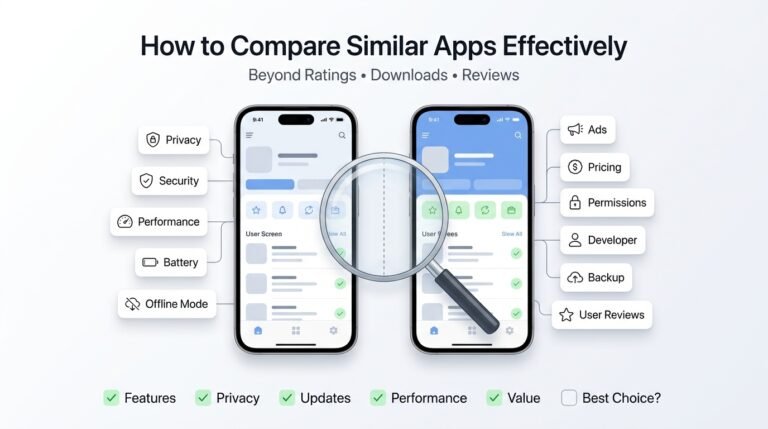 How to Compare Similar Apps Like an Expert (27 Checks)
Published: 27 Jul 2026 • 01:23 PM Updated: 27 Jul 2026 • 01:23 PM Reading: 7 min read...
How to Compare Similar Apps Like an Expert (27 Checks)
Published: 27 Jul 2026 • 01:23 PM Updated: 27 Jul 2026 • 01:23 PM Reading: 7 min read...
 How to Choose the Right Android App Before Downloading: A Practical Decision Guide (2026)
Published: 25 Jul 2026 • 04:45 PM Updated: 25 Jul 2026 • 04:45 PM Reading: 7 min read...
How to Choose the Right Android App Before Downloading: A Practical Decision Guide (2026)
Published: 25 Jul 2026 • 04:45 PM Updated: 25 Jul 2026 • 04:45 PM Reading: 7 min read...
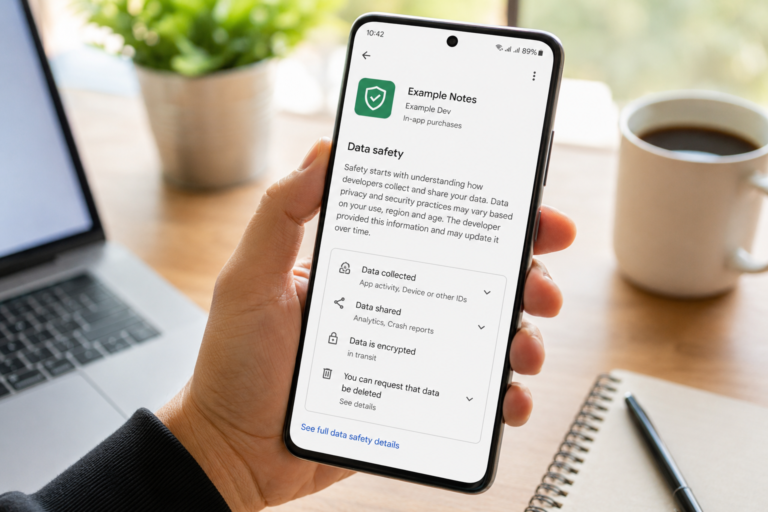 How to Check If an App Shares Data With Third Parties
Published: 21 Jul 2026 • 11:30 PM Updated: 21 Jul 2026 • 11:34 PM Reading: 19 min read...
How to Check If an App Shares Data With Third Parties
Published: 21 Jul 2026 • 11:30 PM Updated: 21 Jul 2026 • 11:34 PM Reading: 19 min read...
 What Happens When You Delete an App? The Complete Android Guide
Published: 17 Jul 2026 • 12:09 AM Updated: 17 Jul 2026 • 12:09 AM Reading: 47 min read...
What Happens When You Delete an App? The Complete Android Guide
Published: 17 Jul 2026 • 12:09 AM Updated: 17 Jul 2026 • 12:09 AM Reading: 47 min read...