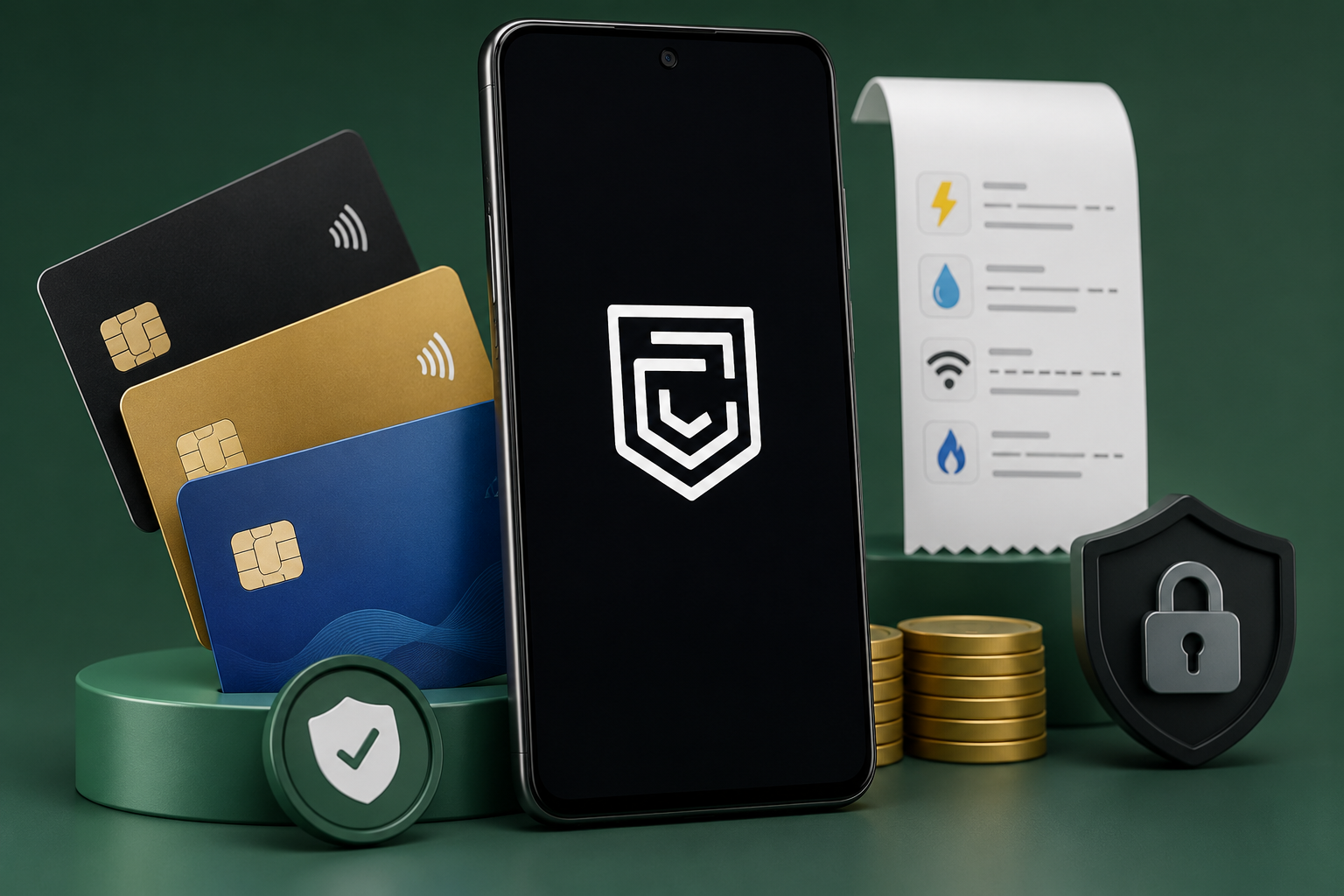
Managing multiple credit cards can quickly become frustrating. Different due dates, multiple banking apps, forgotten payments, and tracking rewards manually often lead to unnecessary stress.
This is where CRED positions itself differently. Instead of being just another payment app, it aims to become a financial dashboard for people who actively use credit cards.
But is it actually the best credit card app, or is it only useful for a specific type of user?
After evaluating its capabilities, membership model, practical use cases, limitations, and user feedback, here’s what you should know before installing it.
Quick Answer
CRED is one of the best apps for people who regularly use multiple credit cards and maintain a good credit score.
It combines:
- Credit card bill payments
- UPI payments
- Credit score monitoring
- Spending insights
- Rewards
- Utility bill payments
However, it is not suitable for everyone because membership generally requires a credit score of 750 or above, making it inaccessible for many new credit card users.
Table of Contents
What Makes CRED Different from Other Payment Apps?
Many payment apps let you pay a credit card bill.
Very few try to help you understand your entire credit life.
Instead of focusing only on transactions, CRED also tries to answer questions like:
- How healthy is my credit score?
- Which card should I pay first?
- Am I paying hidden charges?
- Where am I overspending?
- Which payments are recurring?
For frequent credit card users, this additional visibility can be more valuable than cashback alone.
Who Should Use CRED?
CRED works best for people who:
- Own multiple credit cards
- Regularly pay bills on time
- Want one place to manage several cards
- Frequently use UPI
- Want spending analysis
- Track their credit score
- Appreciate reward programs
- Pay utility bills every month
It becomes more useful as your financial life becomes more complex.
Who Should Skip It?
CRED may not be the right choice if you:
- Don’t own a credit card
- Have a credit score below the membership requirement
- Only make occasional card payments
- Want a simple payment app with no membership restrictions
- Prefer using your bank’s official app
For these users, simpler payment platforms may provide everything they need.
Real-World Use Cases
Paying Multiple Credit Cards
Instead of opening separate apps for HDFC, SBI, ICICI, Axis, or other banks, CRED brings supported cards into one dashboard.
This reduces the chance of missing due dates.
Tracking Monthly Spending
Many people know how much they spend.
Few know where they spend.
CRED organizes expenses into clearer summaries, making budgeting easier.
Paying Utility Bills
Users can pay:
- Electricity
- Water
- LPG
- Mobile recharge
- Broadband
- Insurance
- FASTag
- DTH
- Rent
- Education fees
Having these alongside credit card payments can reduce the number of finance apps you need.
Daily UPI Payments
The app also functions as a UPI payment platform.
You can:
- Scan QR codes
- Send money
- Receive payments
- Pay merchants
- Transfer to bank accounts
This means users don’t necessarily need separate UPI apps for everyday payments.
Why the Rewards Matter (and When They Don’t)
CRED is widely known for rewarding responsible bill payments.
However, rewards should never be the main reason to install the app.
Instead, think of rewards as an additional benefit.
If the app already helps you stay organized, any rewards become a bonus.
If you install it only expecting large cashback, your expectations may not match reality because reward values can vary over time.
Credit Score Monitoring: Why It Actually Helps
Many people only check their credit score when applying for a loan.
By then, problems may already exist.
Regular monitoring helps identify:
- Score changes
- Payment history impact
- Credit utilization trends
- Financial improvements
For anyone planning to apply for a home loan, car loan, or premium credit card, keeping an eye on their score can be genuinely useful.
Managing Multiple Cards Without Confusion
One overlooked advantage of CRED is reducing mental workload.
Instead of remembering:
- Due dates
- Outstanding balances
- Different banking interfaces
everything appears in one place.
This convenience becomes increasingly valuable as the number of credit cards grows.
Where CRED Falls Short
No app is perfect.
Some limitations users should consider include:
Membership Restriction
The biggest limitation is eligibility.
New users with lower credit scores may not qualify.
This excludes many young professionals and first-time credit card users.
Rewards Can Feel Inconsistent
Some users appreciate the rewards.
Others feel they are less valuable than expected.
Anyone installing solely for cashback may be disappointed.
Customer Support Experiences Vary
Like many large financial apps, customer support experiences differ between users.
Some reviews mention delayed resolutions, especially for account-related concerns.
Not Every Financial Need Is Covered
Although CRED handles many payment types, some people still rely on:
- Bank apps
- Investment apps
- Expense trackers
depending on their personal financial workflow.
What Recent User Reviews Reveal
The Play Store rating is strong at 4.8, indicating high overall user satisfaction.
However, recent reviews also highlight recurring concerns that potential users should know about.
Some users report that:
- Refunds may not always appear clearly in transaction history before statement generation.
- Verifying the final payable amount can occasionally require checking the original bank statement.
- A few users have expressed frustration with account support and account closure processes.
These reviews don’t necessarily represent every user’s experience, but they are worth considering if transparent transaction history or responsive support is especially important to you.
Privacy and Safety Considerations
CRED is available through the official Google Play Store and operates as a regulated financial platform in India for its supported services.
Because it manages financial information, users should expect to provide sensitive details during verification and account setup.
Before installing:
- Download only from official app stores.
- Read the current Privacy Policy.
- Enable device security such as screen lock or biometrics.
- Review permissions during installation.
- Avoid sharing OTPs or verification codes with anyone.
As with any financial app, keeping your device secure is just as important as choosing the app itself.
Permissions: Are They Reasonable?
Financial apps commonly request permissions that support features such as:
- Notifications for bill reminders
- Camera access for QR payments
- Contacts (for sending money, if you choose)
- Storage access where applicable
Before granting optional permissions, ask yourself whether you actually plan to use those features. Denying unnecessary permissions can help reduce data exposure while still allowing core functionality to work.
Is the Membership Requirement a Good Idea?
Some people view the 750+ credit score requirement as a drawback.
Others see it as part of the app’s ecosystem.
If you already maintain good credit habits, the requirement may not affect you.
If you’re still building your credit history, you’ll likely need to improve your score before becoming eligible.
Pricing and Overall Value
CRED itself is free to download.
There is no subscription required for its core experience.
Instead, eligibility depends primarily on membership criteria rather than payment.
For eligible users who actively manage several credit cards, the value comes from convenience, organization, and financial insights rather than from direct monetary savings alone.
Best Alternatives to CRED
Google Pay
Best for: Simple credit card bill payments and UPI.
Strengths
- Widely accepted
- Simple interface
- No membership requirement
Trade-offs
- Less focused on credit management and spending insights.
PhonePe
Best for: Everyday payments and utility bills.
Strengths
- Large bill payment ecosystem
- Easy merchant acceptance
Trade-offs
- Limited credit card management features.
Amazon Pay
Best for: Amazon shoppers who already use the Amazon ecosystem.
Strengths
- Convenient bill payments
- Cashback opportunities during promotions
Trade-offs
- Less comprehensive financial analysis than CRED.
Individual Bank Apps
Best for: Managing a single credit card.
Strengths
- Direct issuer support
- Full card controls
- Official transaction history
Trade-offs
- Inconvenient if you use multiple cards from different banks.
Pros
- Excellent multi-card management
- Bill reminders reduce missed payments
- UPI and credit card payments in one app
- Credit score tracking
- Spending insights
- Supports many major Indian banks
- Modern interface
- Strong overall Play Store rating
Cons
- Membership eligibility limits access
- Rewards may not satisfy every user
- Some users report customer support delays
- Not ideal for users without credit cards
- Occasional concerns about transaction visibility before statements
Final Recommendation
CRED stands out because it combines several financial tasks into a single experience rather than focusing only on bill payments.
If you have a strong credit score, regularly use one or more credit cards, and want better visibility into your spending and payment habits, CRED is one of the strongest options currently available.
On the other hand, if you’re new to credit cards, don’t meet the membership requirements, or simply need a straightforward payment app, alternatives like Google Pay, PhonePe, or your bank’s official app may be a better fit.
The best choice depends less on the app’s popularity and more on whether its membership model and financial tools align with your own needs.
Frequently Asked Questions
1. Is CRED free to use?
Yes. The app is free to download and use, although membership eligibility requirements apply.
2. Can I use CRED without a credit card?
No. CRED is designed primarily for credit card users, and membership verification generally requires an eligible credit card and sufficient credit score.
3. Does CRED support UPI payments?
Yes. Users can make UPI payments, scan QR codes, transfer money, and pay merchants using supported UPI features.
4. Which banks’ credit cards are supported?
CRED supports many major Indian banks, including HDFC Bank, SBI, ICICI Bank, Axis Bank, Kotak Mahindra Bank, IDFC FIRST Bank, American Express, HSBC, and several others.
5. Is CRED suitable for managing multiple credit cards?
Yes. One of its biggest advantages is bringing multiple supported credit cards into a single dashboard with bill reminders and spending insights.
6. Does using CRED improve my credit score?
No app can directly improve your credit score. However, CRED can help you monitor your score, track payment habits, and avoid missed due dates, which may contribute to healthier credit behavior over time.
7. Should I choose CRED or my bank’s app?
If you have only one credit card and prefer dealing directly with your issuer, your bank’s app may be sufficient. If you manage multiple cards and want consolidated tracking, reminders, and additional financial insights, CRED offers broader functionality.
Editorial Disclosure
TNAPK independently publishes app reviews, guides, and educational content. Our evaluations are based on publicly available information, practical analysis, user-focused assessment, and overall usefulness. Features, pricing, eligibility requirements, and policies may change over time. Readers should verify important information through the official Google Play listing and the developer’s official resources before making financial decisions.
Keep Exploring
Discover more reviews, guides, and comparisons to help you choose the right Android apps.
 What Is an International Calling App?
Published: 26 Oct 2026 • 01:28 AM Updated: 26 Oct 2026 • 01:28 AM Reading: 8 min read...
What Is an International Calling App?
Published: 26 Oct 2026 • 01:28 AM Updated: 26 Oct 2026 • 01:28 AM Reading: 8 min read...
 Fingerprint Live: What to Know Before Installing
Published: 23 Oct 2026 • 12:54 PM Updated: 23 Oct 2026 • 12:54 PM Reading: 9 min read...
Fingerprint Live: What to Know Before Installing
Published: 23 Oct 2026 • 12:54 PM Updated: 23 Oct 2026 • 12:54 PM Reading: 9 min read...
 What Is a Mobile Vault? Calendar Vault Features and Privacy Explained
Published: 22 Oct 2026 • 01:19 AM Updated: 22 Oct 2026 • 01:19 AM Reading: 7 min read...
What Is a Mobile Vault? Calendar Vault Features and Privacy Explained
Published: 22 Oct 2026 • 01:19 AM Updated: 22 Oct 2026 • 01:19 AM Reading: 7 min read...
 500 CIBIL Loan App: Is IndiaLends Worth Using in 2026?
Published: 10 Jul 2026 • 12:11 AM Updated: 10 Jul 2026 • 12:32 AM Reading: 8 min read...
500 CIBIL Loan App: Is IndiaLends Worth Using in 2026?
Published: 10 Jul 2026 • 12:11 AM Updated: 10 Jul 2026 • 12:32 AM Reading: 8 min read...