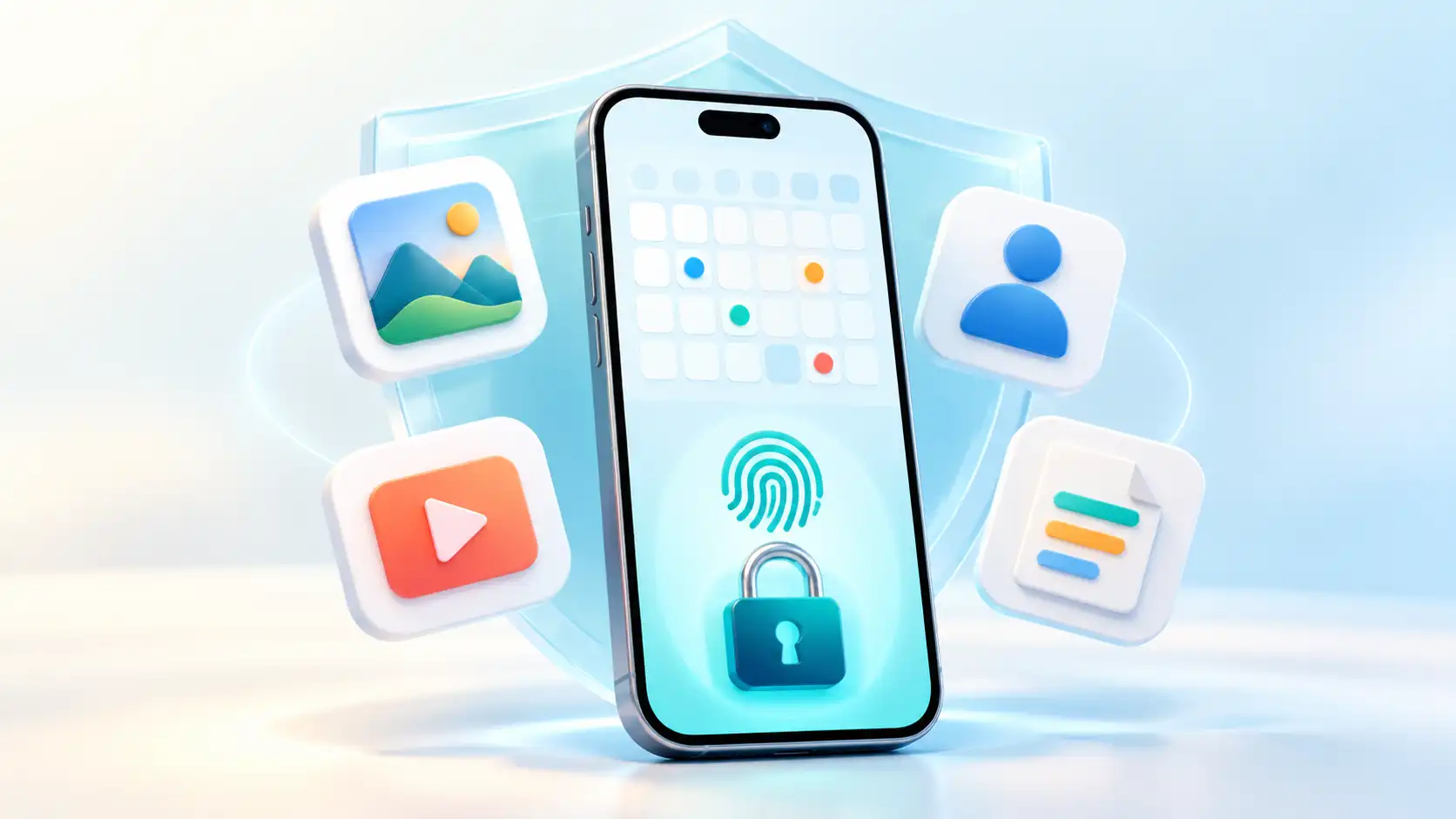
A mobile vault is an app that restricts access to selected photos, videos, documents, or other private information on your phone. Depending on the app, it may use a PIN, fingerprint authentication, and encryption to help protect stored content.
Calendar Vault takes this idea and combines it with a working calendar. According to its developer description, it provides private storage alongside everyday features such as events, tasks, and calendar views.
Before using it for important files, it helps to understand how its advertised protection works—and why keeping a separate backup matters.
Table of Contents
What Is Calendar Vault?
Calendar Vault is an Android app designed to store private content behind a calendar interface. Its description lists support for photos, videos, contacts, and documents.
The calendar is intended to be useful on its own, with scheduling tools and location-based weather information. This makes the app suitable for people who want private storage and basic planning features in the same place.
Its calendar appearance may reduce casual attention, but appearance and security serve different purposes. A discreet icon does not replace a strong PIN or reliable file protection.
What Can You Store in Calendar Vault?
The developer describes support for these content types:
| Content type | Example uses |
|---|---|
| Photos | Personal pictures you want to keep separate from everyday browsing |
| Videos | Private recordings and personal clips |
| Contacts | Contact information stored separately within the vault |
| Documents | PDFs and other personal files |
Importing something into a vault does not necessarily remove every existing copy. Check whether the original remains in your gallery, downloads folder, contact account, messaging apps, or cloud backup.
For contacts, storing a private entry also should not be assumed to hide related call history or messages.
Calendar Vault’s Main Features
PIN and Fingerprint Access
The supplied description advertises a PIN containing four to nine digits and fingerprint authentication.
Use a PIN that is difficult to guess. Avoid birthdays, repeated digits, and simple sequences. If fingerprint access is available on your device, configure it through the app’s setup process.
Support for both PIN and fingerprint access does not automatically mean that both are required every time you unlock the vault.
Advertised AES-256 Encryption
The developer says Calendar Vault uses AES-256 encryption for vault content.
Encryption is intended to make stored data unreadable without the necessary key. However, naming an encryption algorithm does not independently establish the security of an entire app. Implementation, key handling, and recovery design also matter.
This article explains the advertised feature; it is not an independent security audit.
Optional Decoy PIN
The description lists a fake PIN mode that opens an empty decoy vault.
This provides an alternative screen when that PIN is entered. It should not be treated as a guarantee that hidden content cannot be discovered or as guaranteed protection in a threatening situation.
Fingerprint Recovery
According to the supplied instructions, users can configure fingerprint recovery with a secret calendar date. Tapping that date five times is described as triggering fingerprint authentication.
Set this up before relying on it, and confirm how recovery works in your installed version. Fingerprint recovery should not be confused with recovering files from a lost or damaged phone.
Calendar Events, Tasks, and Views
Advertised calendar features include:
- Event and task creation.
- Day, week, and month layouts.
- Location-based weather information.
- A calendar interface for everyday scheduling.
Weather functionality may involve location access and internet connectivity. Local storage of vault files does not necessarily mean every feature operates without network access.
Icon and App Name Customization
The developer describes several icon styles and alternative display names, including Calendar, Planner, Agenda, and My Day.
These options change how the app appears. They should not be assumed to hide its installation from Android settings or other system interfaces.
Local Storage and Backups: What You Need to Know
Calendar Vault’s description says vault content is stored locally and that the app does not provide cloud backup. It also advertises a manual export option.
These features address different needs:
| Feature | What it means for you |
|---|---|
| Local vault storage | The app is described as keeping vault content on your device |
| No built-in cloud backup | You should not expect automatic restoration through a cloud account |
| Manual export | You need to create and protect your own backup copies |
| Fingerprint recovery | Helps with supported access recovery; does not replace a file backup |
Do not keep the only copy of an irreplaceable file inside a vault.
Before uninstalling the app, clearing its storage, resetting your phone, or moving to a new device, export your files and confirm that the backup opens correctly.
The supplied description does not establish whether exported files remain encrypted. Check this before placing an export in a shared folder or uploading it elsewhere. An export saved only on the same phone also does not protect against losing that phone.
How to Start Using Calendar Vault
- Open the Calendar Vault Google Play page.
- Check the current listing, device compatibility, permissions, and Data safety information.
- Install the app and complete its onboarding.
- Create a strong PIN.
- Configure fingerprint access and recovery if supported.
- Import a non-sensitive test file.
- Confirm that you can open, export, and retrieve that file.
- Check whether the original copy remains outside the vault.
- Add your private content after you understand the process.
Start with a test file so you can learn the storage and export behavior before trusting the app with important information.
Is Calendar Vault Safe?
The description advertises encryption, local storage, and access controls. It also claims no advertising, tracking, or personal-data collection. These are developer statements, not independently verified findings here.
Before deciding whether the app meets your needs, review its current privacy policy, permission requests, and Google Play Data safety section. The supplied description places the privacy policy under Settings → Privacy Policy.
Consider what each permission is needed for. For example, importing contacts and displaying local weather serve different functions; review each request in that context.
For confidential workplace documents, follow your organization’s approved storage rules. A personal vault app may not meet its requirements.
Who Might Find Calendar Vault Useful?
Calendar Vault may appeal to Android users who want to:
- Keep personal media separate from ordinary gallery browsing.
- Reduce accidental exposure when lending someone their phone.
- Store selected documents behind an additional access screen.
- Combine private storage with calendar features.
Its advertised local-storage approach requires users to manage backups themselves. People who need automatic synchronization or easy recovery after losing a device should check those requirements carefully before relying on it.
Frequently Asked Questions
What is a mobile vault used for?
A mobile vault restricts access to selected private content, commonly photos, videos, and documents. The protection offered varies by app.
Is a mobile vault the same as an app lock?
A vault generally stores or manages selected content within a protected area. An app lock generally restricts access to other apps. Some products combine these functions.
Does Calendar Vault support photos and videos?
The supplied developer description lists support for both photos and videos, along with contacts and documents.
Does Calendar Vault back up files automatically?
The description says it has no cloud backup and offers manual export instead. Do not assume that your files will automatically return after reinstalling the app or replacing your phone.
What if I forget my PIN?
The developer describes a fingerprint recovery option that must be configured beforehand. Check the recovery instructions in your installed version. Avoid clearing app storage or uninstalling as a troubleshooting step before confirming that your files are backed up.
Does hiding a photo remove its cloud copy?
Do not assume so. Check your gallery, synced photo services, and other locations separately. A vault import does not establish that existing copies elsewhere have been deleted.
Is Calendar Vault completely invisible?
Its calendar appearance is intended to reduce casual attention. That does not guarantee that the app or its presence cannot be found.
Download Calendar Vault
Calendar Vault combines an ordinary calendar interface with advertised private storage and access controls. If that combination fits your needs, begin with a test file and verify the export process before adding important content.
View Calendar Vault on Google Play
Keep Exploring
Discover more reviews, guides, and comparisons to help you choose the right Android apps.
 What Is an International Calling App?
Published: 26 Oct 2026 • 01:28 AM Updated: 26 Oct 2026 • 01:28 AM Reading: 8 min read...
What Is an International Calling App?
Published: 26 Oct 2026 • 01:28 AM Updated: 26 Oct 2026 • 01:28 AM Reading: 8 min read...
 Fingerprint Live: What to Know Before Installing
Published: 23 Oct 2026 • 12:54 PM Updated: 23 Oct 2026 • 12:54 PM Reading: 9 min read...
Fingerprint Live: What to Know Before Installing
Published: 23 Oct 2026 • 12:54 PM Updated: 23 Oct 2026 • 12:54 PM Reading: 9 min read...
 CRED App Review (2026): Is It the Best Credit Card Payment App?
Published: 10 Jul 2026 • 12:34 AM Updated: 10 Jul 2026 • 12:34 AM Reading: 9 min read...
CRED App Review (2026): Is It the Best Credit Card Payment App?
Published: 10 Jul 2026 • 12:34 AM Updated: 10 Jul 2026 • 12:34 AM Reading: 9 min read...
 500 CIBIL Loan App: Is IndiaLends Worth Using in 2026?
Published: 10 Jul 2026 • 12:11 AM Updated: 10 Jul 2026 • 12:32 AM Reading: 8 min read...
500 CIBIL Loan App: Is IndiaLends Worth Using in 2026?
Published: 10 Jul 2026 • 12:11 AM Updated: 10 Jul 2026 • 12:32 AM Reading: 8 min read...