| Topic | Details |
|---|---|
| Guide Type | Android App Safety Guide |
| Best For | Android Users |
| Skill Level | Beginner to Intermediate |
| Main Goal | Understand app terms before installation |
| Covers | Privacy, Permissions, Data Collection, User Rights |
| Platform | Android (Applicable to Most Mobile Apps) |
Table of Contents
Why Most People Never Read App Terms and Conditions
Let’s be honest.
Most users tap “Accept” within seconds.
Few people open the Terms and Conditions page.
Even fewer read the Privacy Policy.
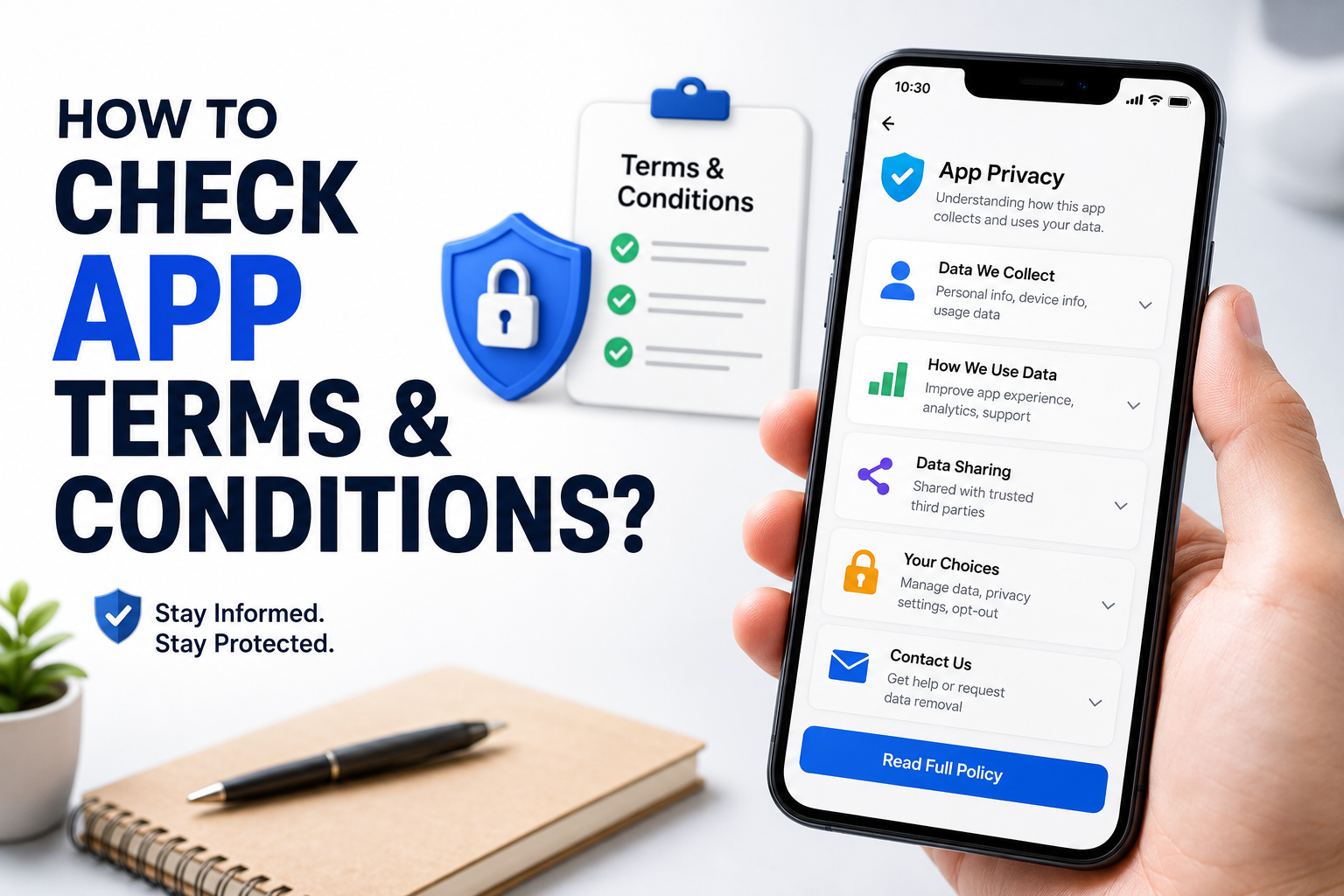
Yet these documents often reveal important information about:
- What data the app collects
- How your information is stored
- Whether data is shared with third parties
- Subscription rules
- Account deletion policies
- Location tracking practices
- Advertising and analytics usage
You don’t need to read every line.
But you should know how to quickly identify the parts that matter.
What Are App Terms and Conditions?
Terms and Conditions explain the rules between the user and the app provider.
Think of them as the operating agreement for using the app.
They typically cover:
- User responsibilities
- Service limitations
- Subscription rules
- Account restrictions
- Content ownership
- Liability disclaimers
The Privacy Policy is usually a separate document that explains how your data is handled.
Both are important.
Where Can You Find an App’s Terms and Conditions?
Before Installation
Many Android apps provide links directly on their Google Play Store page.
Scroll down and look for:
- Privacy Policy
- Developer Contact Information
- Website Links
These are often more useful than the app description itself.
Inside the App
Many apps include links under:
- Settings
- About
- Legal Information
- Help Center
- Privacy Settings
If you cannot find the documents easily, that is already worth noting.
Transparent developers usually make these documents easy to access.
The 5 Things You Should Check First
Most users do not need to read thousands of words.
Focus on these areas.
1. What Data Is Collected?
Look for sections mentioning:
- Name
- Email address
- Phone number
- Contacts
- Photos
- Files
- Location
- Device identifiers
Ask yourself:
“Does this app genuinely need this information?”
For example:
A navigation app needs location access.
A flashlight app usually doesn’t.
The more unnecessary data collection you see, the more cautious you should be.
2. Is Your Data Shared With Third Parties?
Many apps use:
- Advertising networks
- Analytics providers
- Cloud services
This is common and not automatically bad.
However, the policy should clearly explain:
- What is shared
- Why it is shared
- Who receives it
Vague statements such as:
“We may share information with partners”
without further explanation deserve closer attention.
3. How Can You Delete Your Data?
A trustworthy app should explain:
- How to delete your account
- How to request data removal
- What happens after deletion
Many users uninstall apps without realizing their data remains stored.
Look for clear deletion instructions.
4. Are There Subscription Rules?
Many complaints about apps come from unexpected renewals.
Check for:
- Trial periods
- Automatic renewals
- Cancellation procedures
- Refund policies
If the app offers premium features, this section becomes especially important.
5. What Permissions Does the App Need?
Permissions often reveal more than marketing descriptions.
Compare permissions with the app’s actual purpose.
Examples:
| App Type | Expected Permissions |
|---|---|
| Camera App | Camera, Storage |
| Navigation App | Location |
| Messaging App | Contacts, Notifications |
| Photo Editor | Photos, Storage |
Unexpected permissions may deserve investigation.
How to Check Permissions Before Installing
Google Play provides permission information before installation.
Review:
- Camera access
- Microphone access
- Location access
- Contacts access
- Calendar access
- Storage access
Ask a simple question:
“Does this permission make sense for the app’s purpose?”
If the answer is no, investigate further.
Warning Signs Hidden Inside Terms and Conditions
Certain patterns deserve extra attention.
Excessive Data Collection
Be cautious if an app collects significantly more information than its core function requires.
No Privacy Policy
Legitimate apps typically provide a privacy policy.
Missing documentation is a concern.
Unclear Data Sharing Statements
Vague language may indicate poor transparency.
No Account Deletion Process
Users should have a way to remove their information.
Unrealistic Promises
Terms and conditions sometimes reveal limitations that marketing materials do not mention.
Always compare promotional claims with legal disclosures.
Real-World Example: A Weather App
Imagine installing a weather app.
Reasonable permissions:
- Location access
Potential concerns:
- Contact access
- SMS access
- Call log access
The privacy policy should explain why each permission exists.
If it doesn’t, consider alternatives.
How Long Should You Spend Reviewing Terms?
Not long.
Most users can perform a basic safety review in under five minutes.
A practical approach:
- Open Privacy Policy
- Search for “collect”
- Search for “share”
- Search for “delete”
- Check permissions
This quick review often reveals the most important information.
Should You Trust Every App on Google Play?
Google Play has review processes, but users should still perform their own evaluation.
An app appearing on Google Play does not mean:
- It collects no data
- It shares no information
- It has no subscriptions
- It perfectly matches your privacy expectations
Personal evaluation remains important.
Best Practices Before Accepting Terms
Consider these habits:
- Install only apps you actually need.
- Download from official sources.
- Read privacy summaries.
- Review permissions regularly.
- Remove unused apps.
- Revoke unnecessary permissions.
- Use strong account passwords.
Small habits significantly improve privacy awareness.
Common Mistakes Users Make
Accepting Everything Automatically
The most common mistake.
Ignoring Permission Requests
Permissions deserve attention.
Never Checking Privacy Policies
Even a quick review is better than none.
Installing Apps From Unknown Sources
Official app stores generally provide more transparency and security information.
Keeping Unused Apps Installed
Old apps can continue retaining permissions and data access.
Is Reading Terms and Conditions Really Worth It?
Reading every word is unrealistic.
Understanding the important parts is worthwhile.
You don’t need legal expertise.
You simply need to know:
- What information is collected
- Why it is collected
- Who receives it
- How to remove it
That knowledge helps you make smarter installation decisions.
Final Lines
Most people will never read an entire Terms and Conditions document.
Fortunately, they don’t need to.
A quick review of data collection practices, permissions, subscription rules, third-party sharing, and account deletion policies can reveal most of what users need to know.
Before installing any Android app, spend a few minutes checking the Privacy Policy and Terms and Conditions. It is one of the easiest ways to protect your privacy, avoid surprises, and make better decisions about the apps you trust.
FAQ
Where can I find an app’s terms and conditions?
Usually on the Google Play Store page, developer website, or inside the app’s settings section.
Is a privacy policy different from terms and conditions?
Yes. Terms and Conditions explain usage rules, while a Privacy Policy explains data collection and handling practices.
Should I avoid apps with many permissions?
Not necessarily. Permissions should match the app’s purpose. Unnecessary permissions deserve closer review.
Can an app keep my data after I uninstall it?
Yes. Some services retain account information unless you specifically request deletion.
How can I quickly review a privacy policy?
Focus on data collection, sharing practices, deletion options, and user rights rather than reading every line.
Are Google Play apps always safe?
Google Play offers protections, but users should still evaluate permissions, privacy policies, and developer transparency.
What is the biggest warning sign in app terms?
A lack of transparency about data collection, sharing practices, or account deletion processes.
Editorial Disclosure
TNAPK independently reviews apps and publishes educational technology guides for informational purposes. Content is based on publicly available information, platform policies, usability observations, and user-focused analysis. App features, policies, and privacy practices may change over time. Always verify information through official developer resources before making decisions.
Keep Exploring
Discover more reviews, guides, and comparisons to help you choose the right Android apps.
 How to Compare Similar Apps Like an Expert (27 Checks)
Published: 27 Jul 2026 • 01:23 PM Updated: 27 Jul 2026 • 01:23 PM Reading: 7 min read...
How to Compare Similar Apps Like an Expert (27 Checks)
Published: 27 Jul 2026 • 01:23 PM Updated: 27 Jul 2026 • 01:23 PM Reading: 7 min read...
 How to Choose the Right Android App Before Downloading: A Practical Decision Guide (2026)
Published: 25 Jul 2026 • 04:45 PM Updated: 25 Jul 2026 • 04:45 PM Reading: 7 min read...
How to Choose the Right Android App Before Downloading: A Practical Decision Guide (2026)
Published: 25 Jul 2026 • 04:45 PM Updated: 25 Jul 2026 • 04:45 PM Reading: 7 min read...
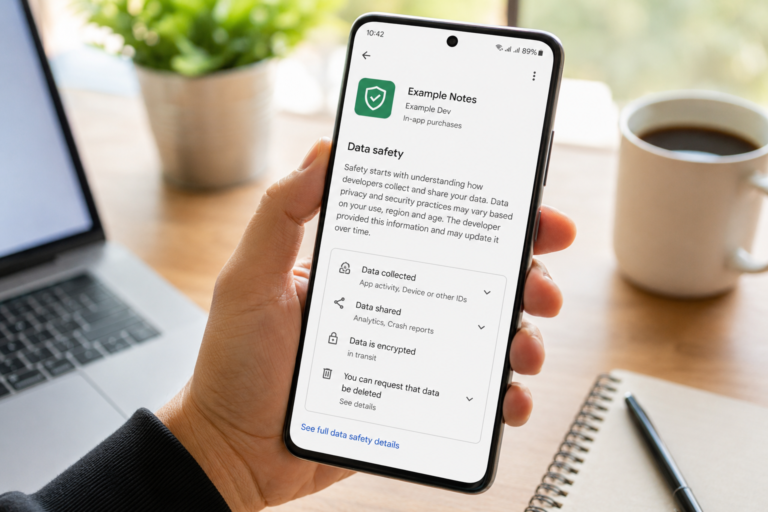 How to Check If an App Shares Data With Third Parties
Published: 21 Jul 2026 • 11:30 PM Updated: 21 Jul 2026 • 11:34 PM Reading: 19 min read...
How to Check If an App Shares Data With Third Parties
Published: 21 Jul 2026 • 11:30 PM Updated: 21 Jul 2026 • 11:34 PM Reading: 19 min read...
 What Happens When You Delete an App? The Complete Android Guide
Published: 17 Jul 2026 • 12:09 AM Updated: 17 Jul 2026 • 12:09 AM Reading: 47 min read...
What Happens When You Delete an App? The Complete Android Guide
Published: 17 Jul 2026 • 12:09 AM Updated: 17 Jul 2026 • 12:09 AM Reading: 47 min read...